
Flagship
Pose Editor
Build BODY_25 pose control images over a reference image, adjust bones directly on the canvas, then export a clean black-background PNG for OpenPose-style workflows.
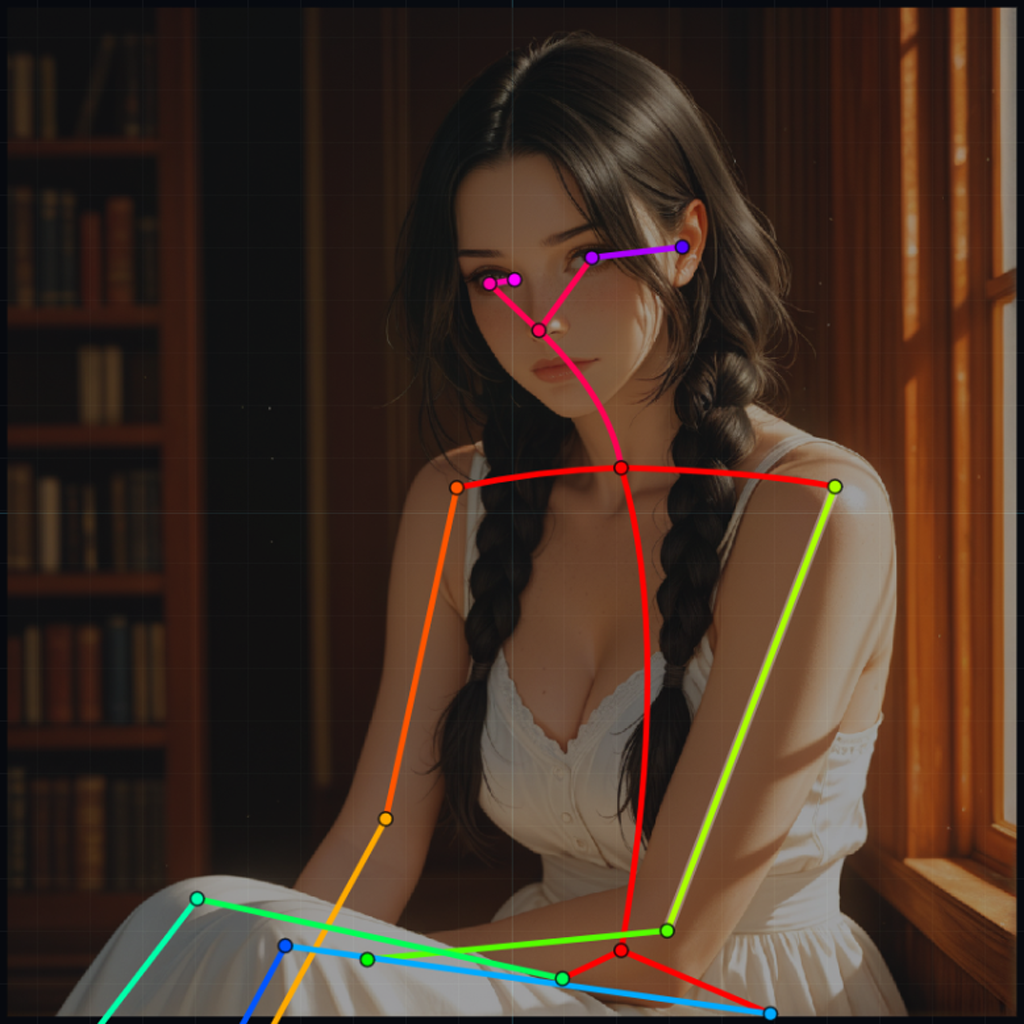 Launch Pose Editor
 Open the active SoftSin tools from one place. Build pose guides, structure prompts, clean up lists, prepare JSON data, and find the workflow pages that support AI art and ComfyUI production.
Each tool is built around a specific workflow problem instead of trying to be a bloated everything-machine.
Build BODY_25 pose control images over a reference image, adjust bones directly on the canvas, then export a clean black-background PNG for OpenPose-style workflows.
Launch Pose Editor Create structured Stable Diffusion prompts with organized sections, positive and negative output, and cleaner formatting for ComfyUI or copy-paste workflows.
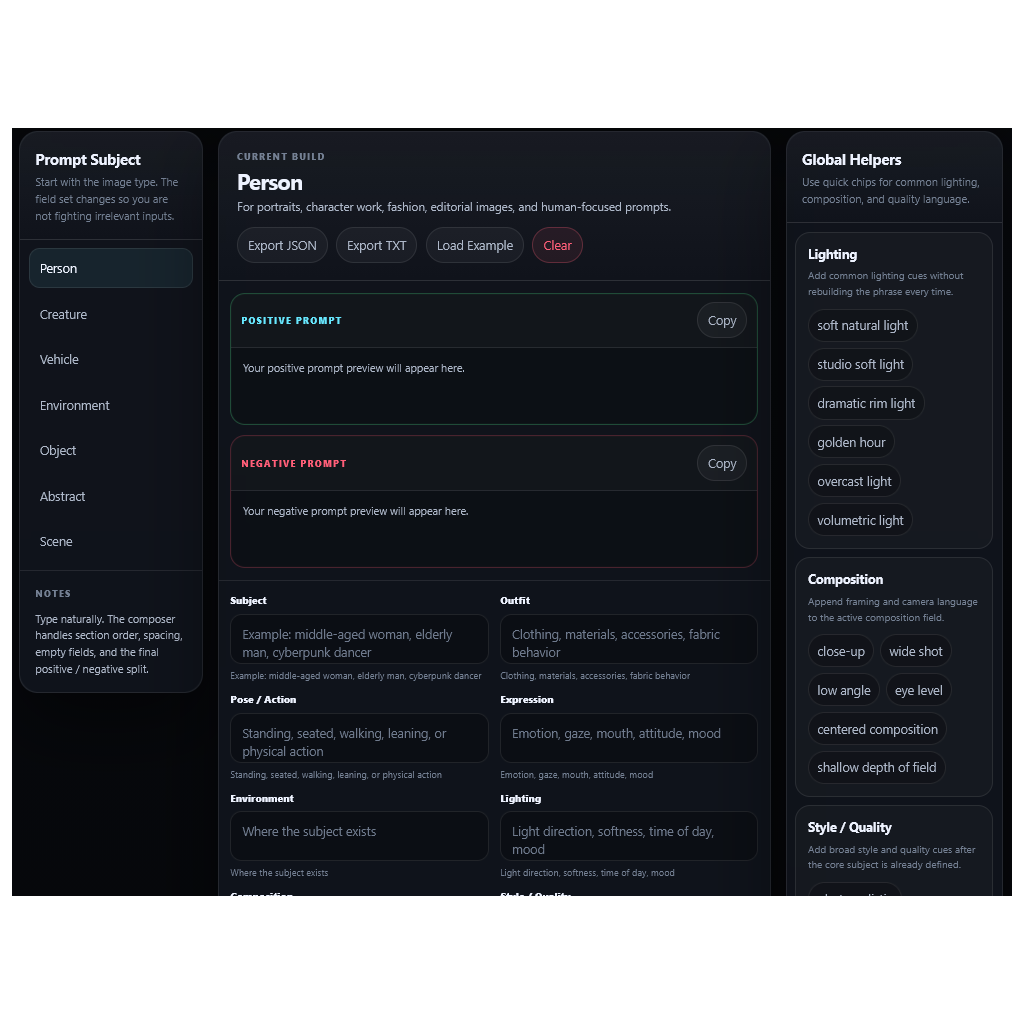 Open Composer
 Build structured AI music prompts with genre controls, vocal-space control, compact exclusions, diagnostics, and reusable song prompt recipes.
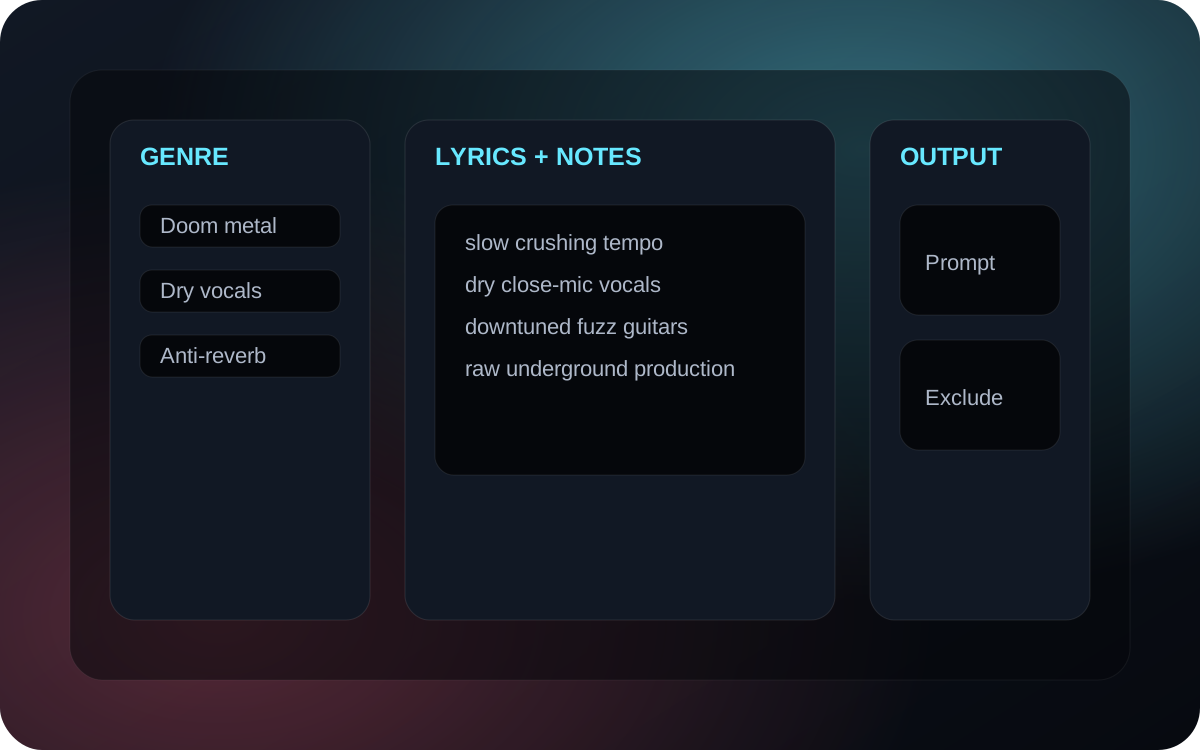 Open Builder
 Create and edit structured JSON for prompt banks, vocabularies, tool data, and reusable content sets without hand-formatting every bracket and comma.
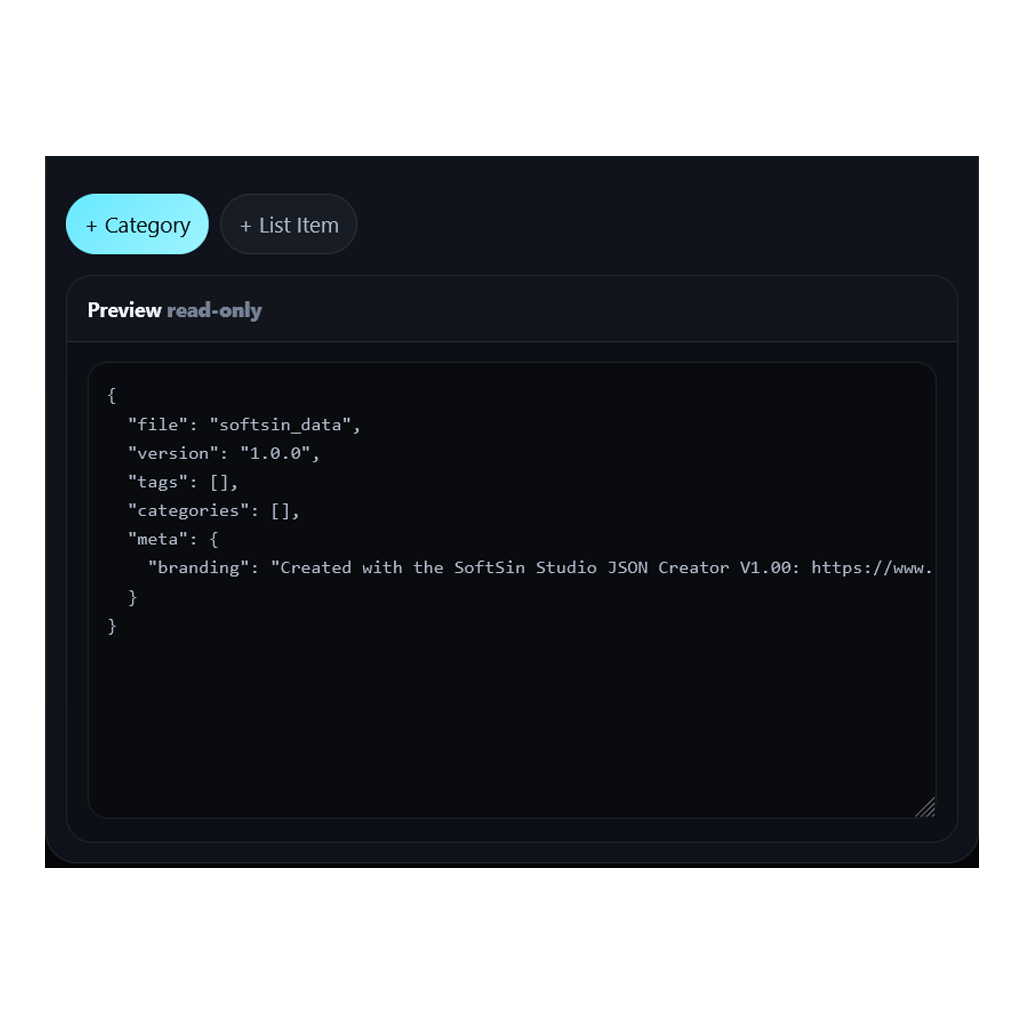 Open JSON Maker
 Documentation for the supported SoftSin ComfyUI nodes: Metadata for readable generation records and Save Image for clean final image output.
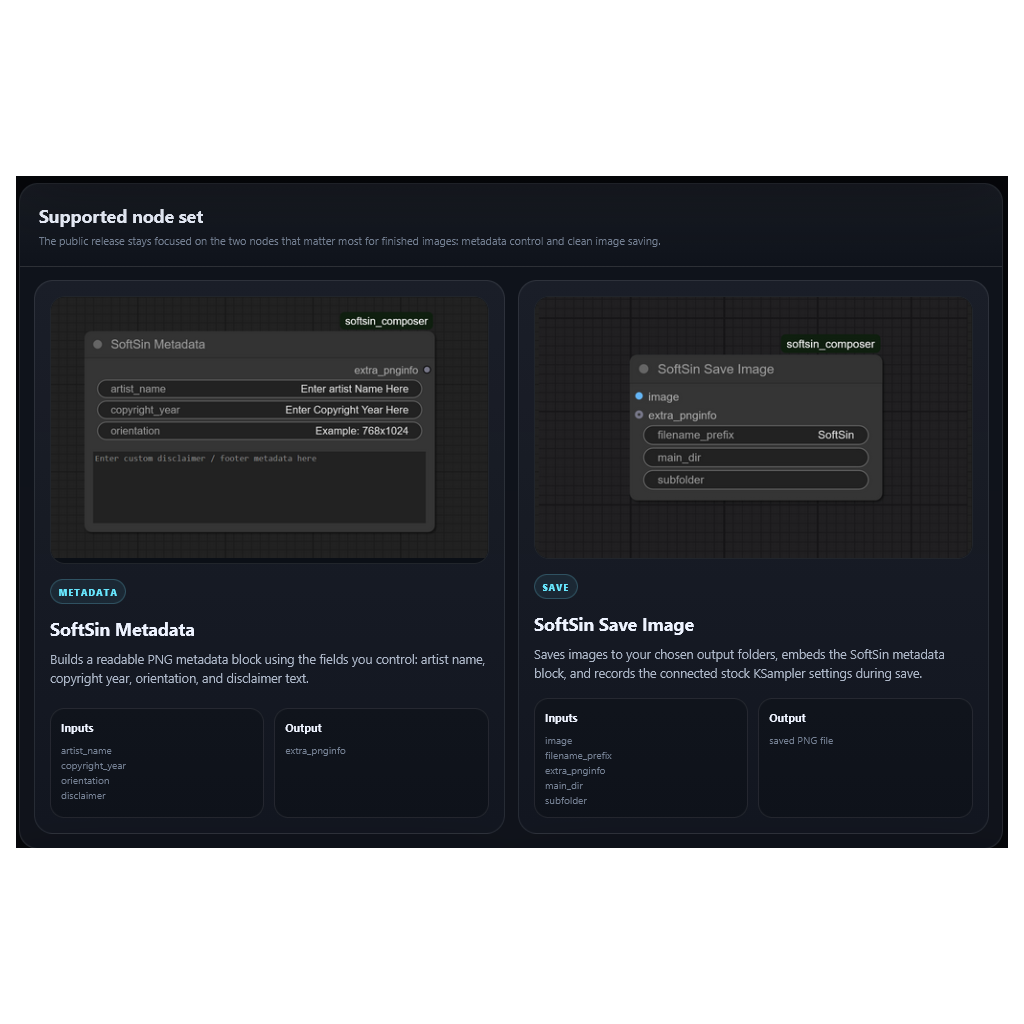 View Nodes
 Paste a plain one-item-per-line list and convert it into clean formatted output for prompt banks, scripts, JSON prep, or quick workflow cleanup.
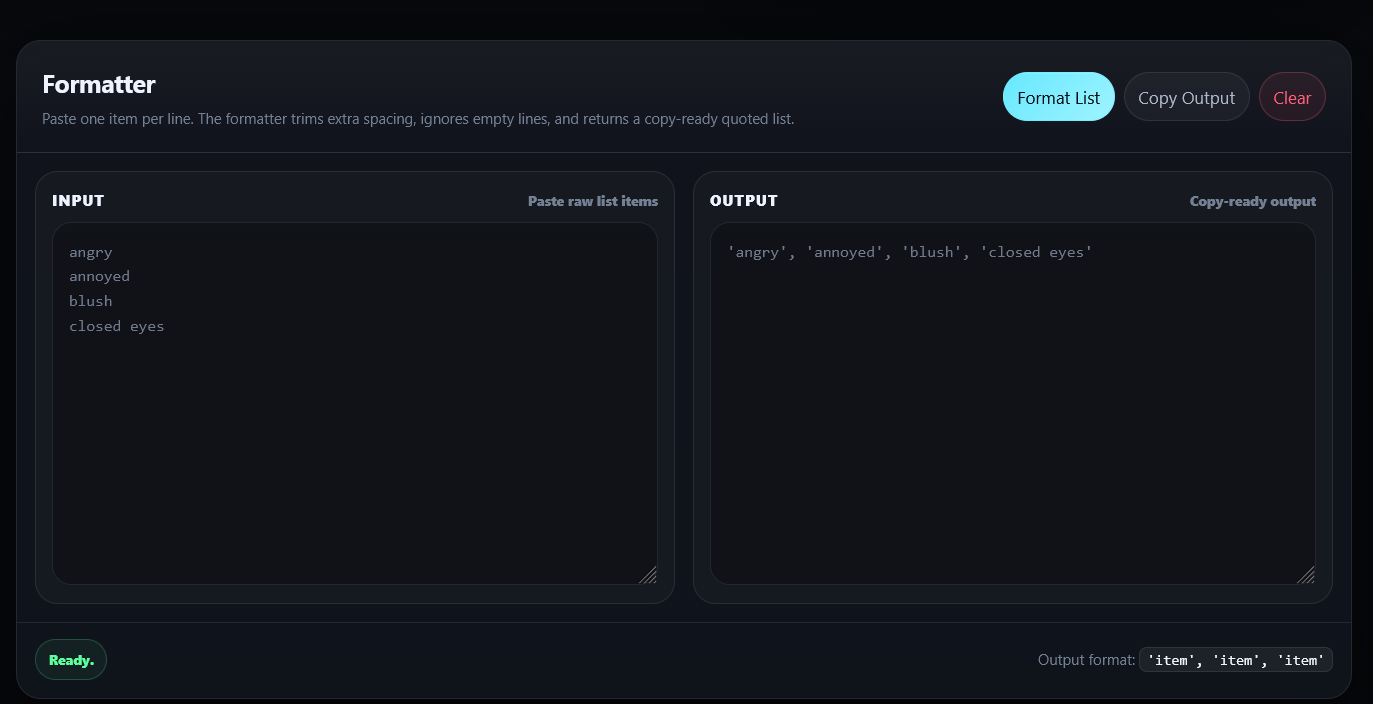 Open Formatter
 Check platform image sizes, aspect ratios, posting notes, and practical creator guidance before pushing finished work into the social-media blender.
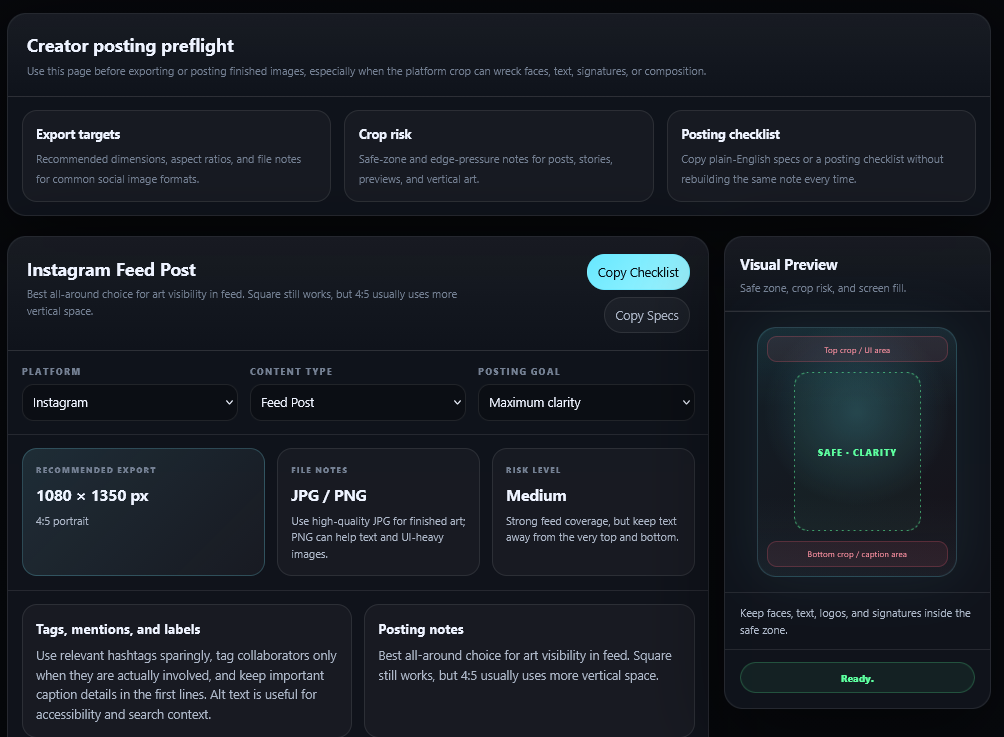 Open Guide
 Each page handles one job: pose control, prompt structure, JSON cleanup, metadata support, list formatting, or posting reference.
The tools are designed around real production habits: reference images, reusable data, clean exports, and less manual cleanup after the fact.
Use the message board for release notes, tool support, bug reports, feedback, and future workflow documentation.