Pose control
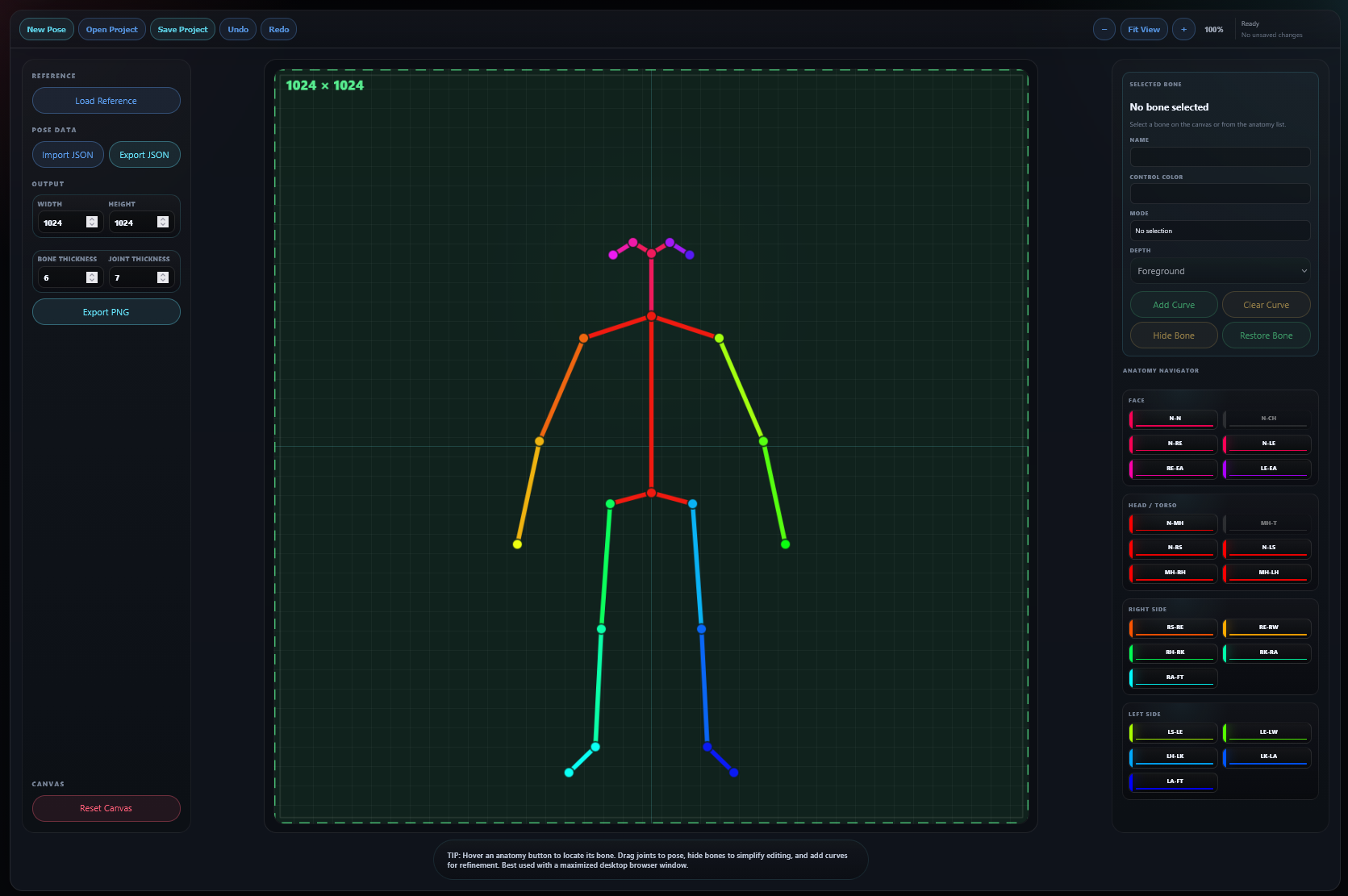
Pose Creator/Editor V2
Create BODY_25 control images from reference art, edit straight or curved bones on canvas, and preserve complete workspaces in portable SoftPose projects.
 Launch Pose Editor
 Free browser-based tools for AI art, music prompting, pose creation, ComfyUI workflows, and reusable project files.
Build the idea, keep control of the project, and export something you can actually use. No subscriptions, no artificial workflow, and no black box between you and your work.
Three purpose-built applications for pose control, image prompting, and structured song creation.
Create BODY_25 control images from reference art, edit straight or curved bones on canvas, and preserve complete workspaces in portable SoftPose projects.
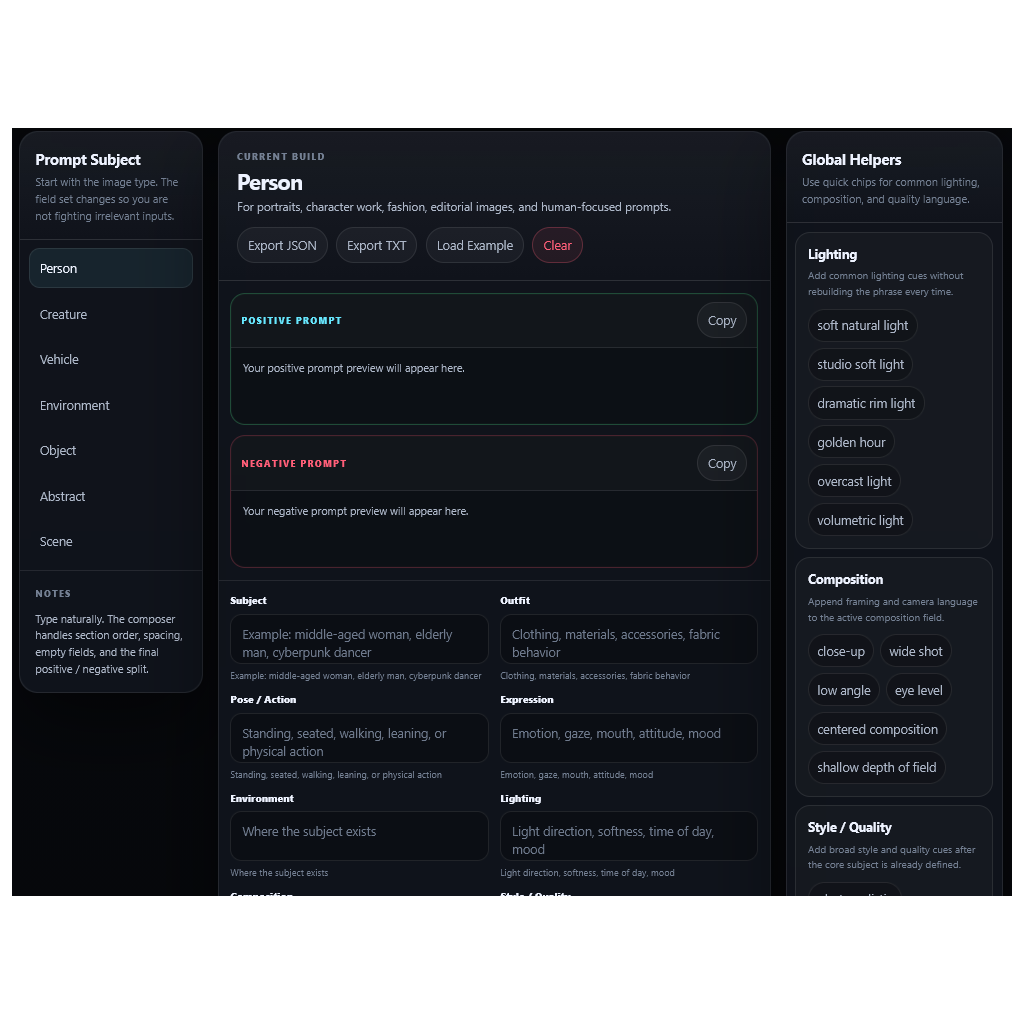
Launch Pose Editor Build structured positive and negative prompts for people, creatures, vehicles, environments, objects, abstract concepts, and complete scenes.
 Open SD Composer
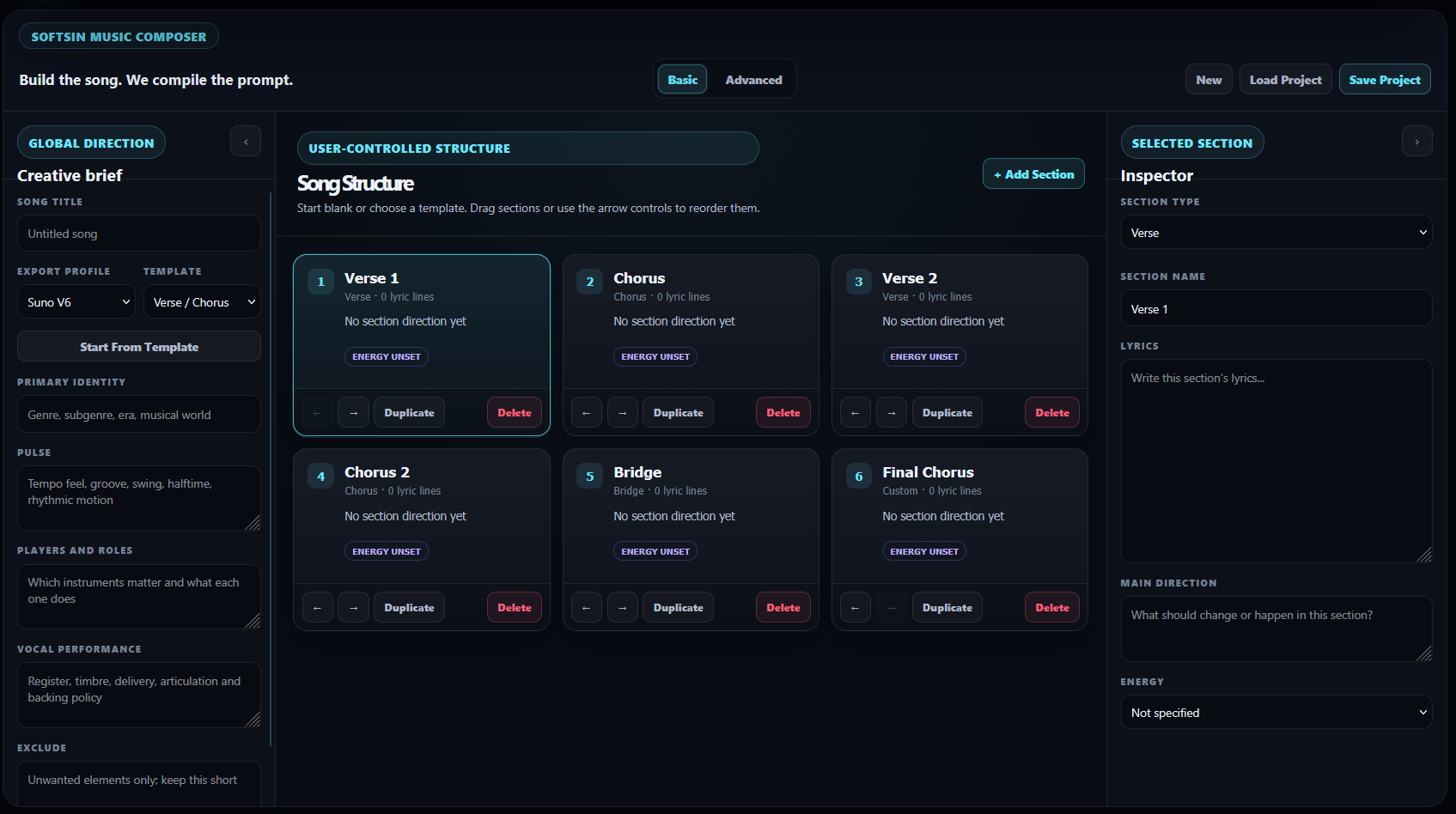
 Plan a complete song with user-controlled sections, lyrics, energy, instrumentation, vocal direction, and context-aware Suno V6 suggestions.
 Open Music Composer
 Lightweight screen recording and instant replay capture for Windows 11.
Capture your display with application and microphone audio, balance sources in the built-in mixer, save replay clips after the moment happens, and manage recordings without unnecessary clutter.

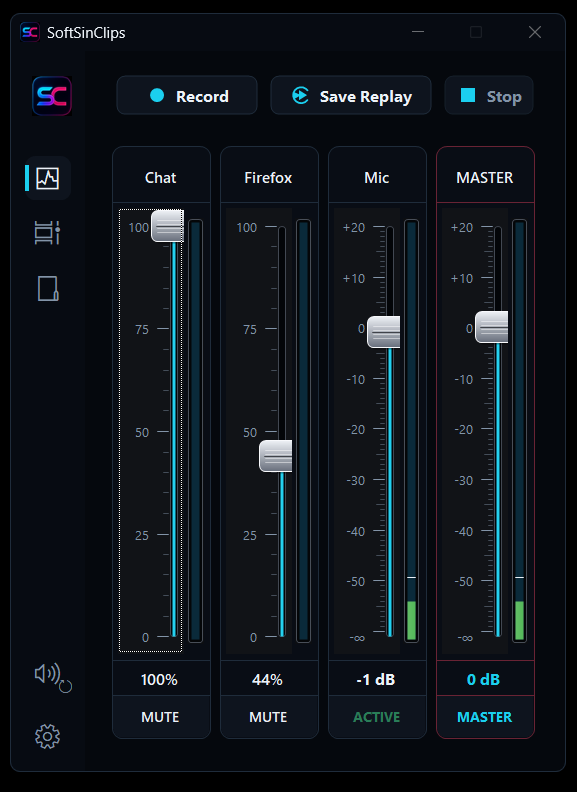
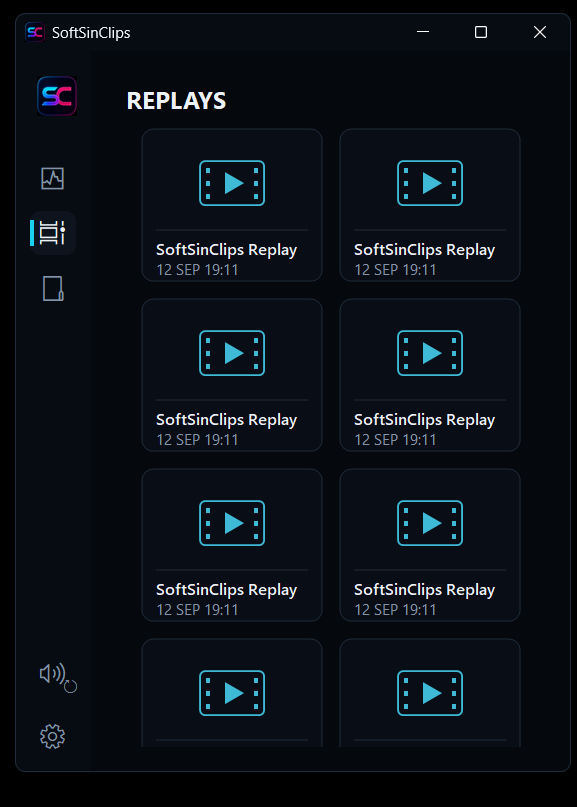
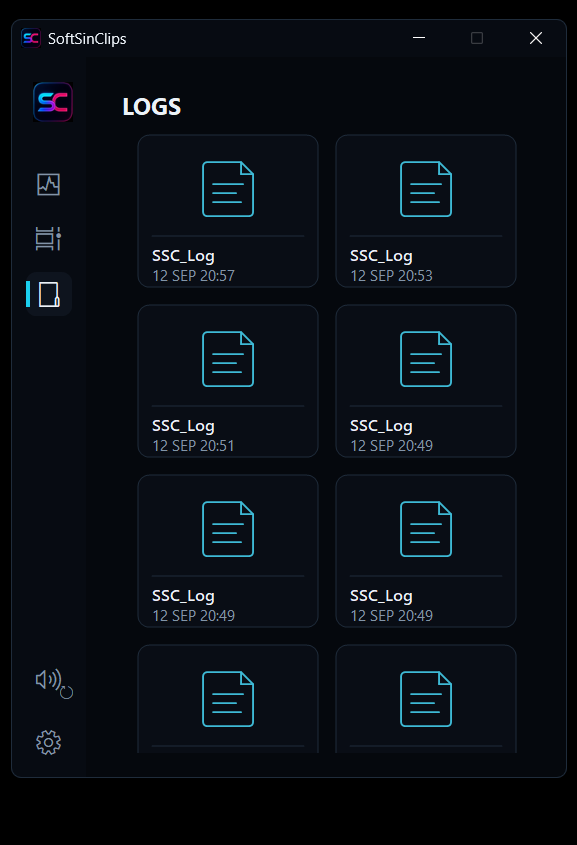
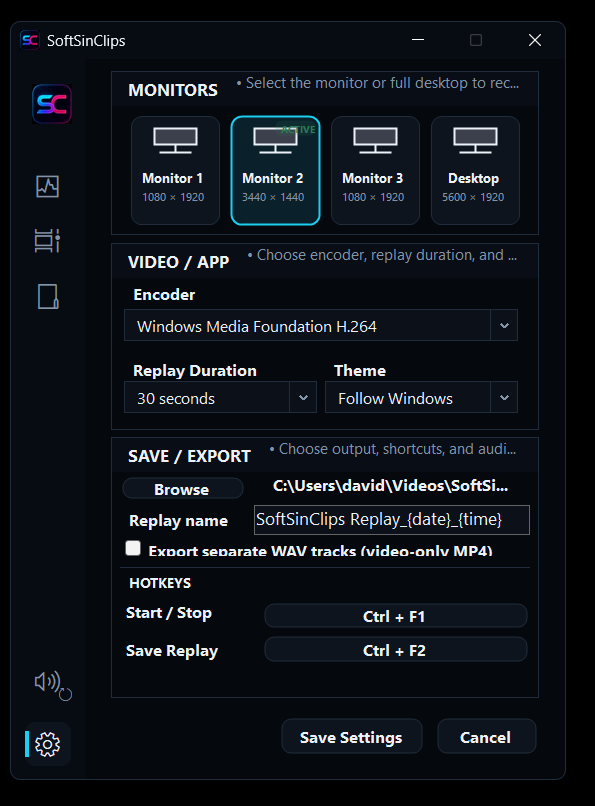
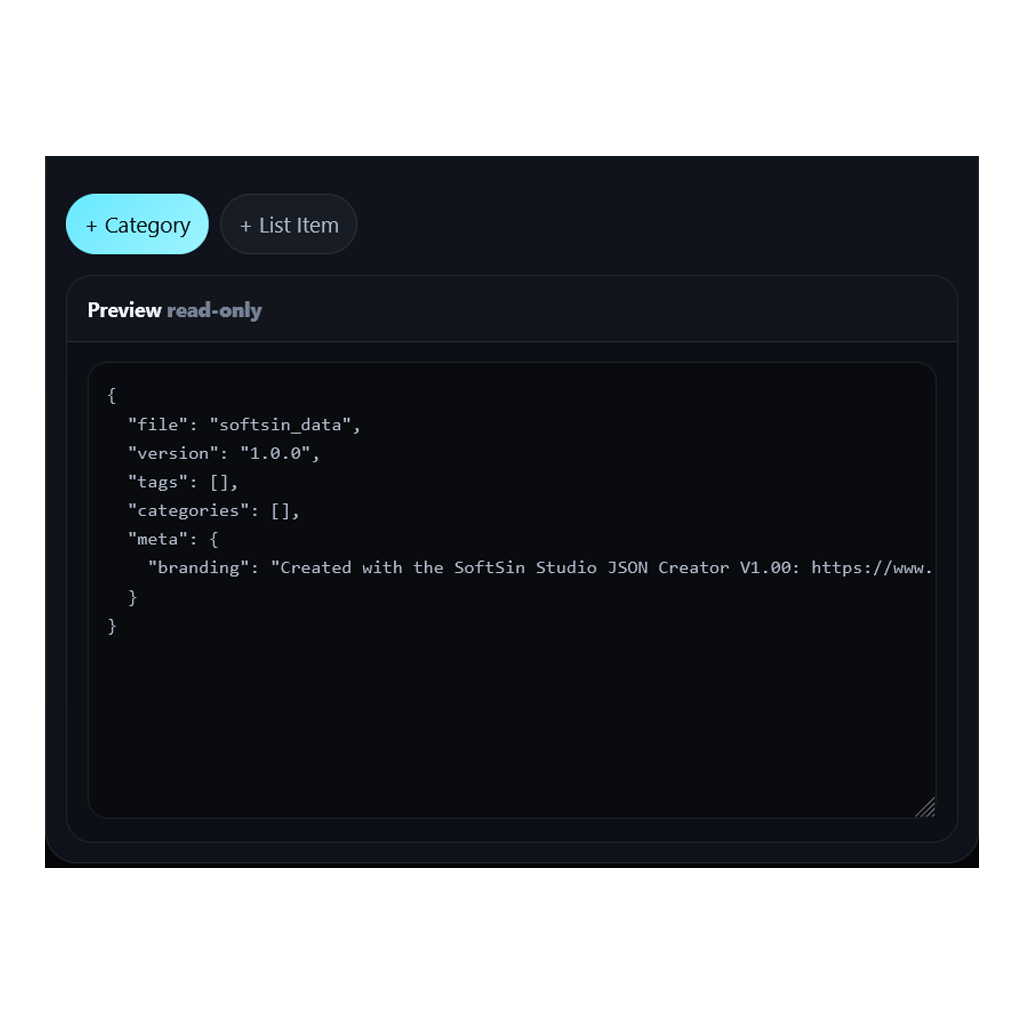
Build, clean, import, and export reusable JSON for prompt vocabularies, presets, and workflow systems.
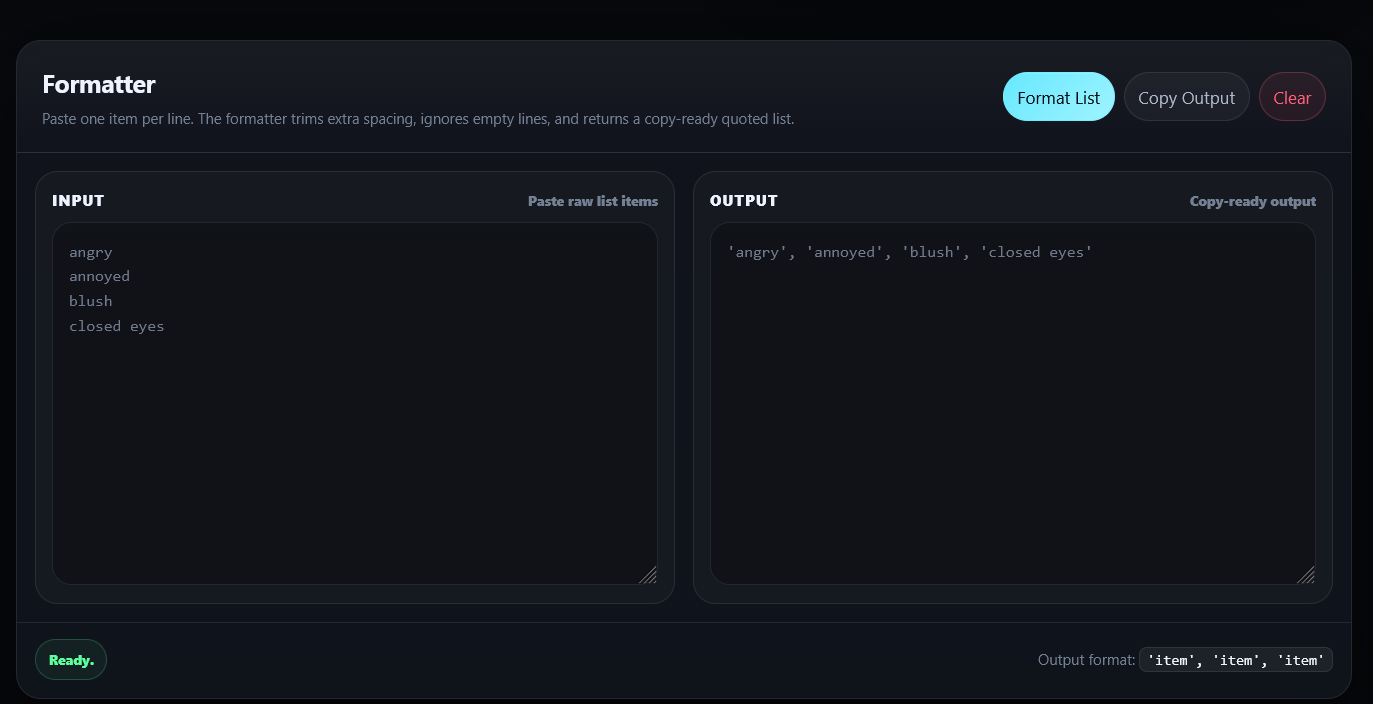
Convert one-item-per-line lists into clean formatted output for prompt banks, scripts, and JSON preparation.
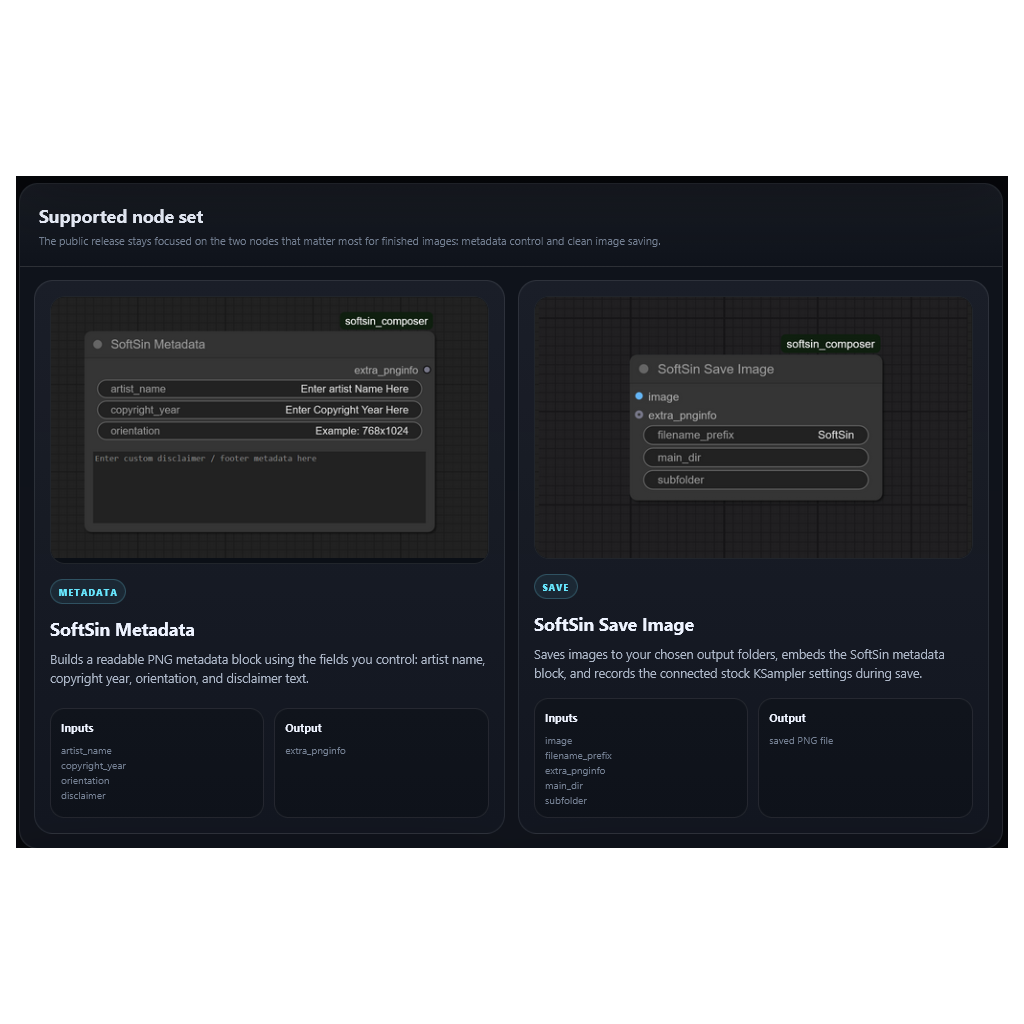
Use readable generation metadata and clean image saving without stuffing an entire workflow into every PNG.
A shared site system, clearer navigation, independent tools, and layouts tested at 1920×1080 and ultrawide resolutions.
User-controlled song structure, contextual vocabulary, complete project saving, and JSON or text exports.
Follow tools, receive thread notifications, report issues, share results, and take part in future development.
Get support, report problems, share your work, follow development, and talk directly about the workflows these tools are built to serve.